01 / DRAW
Textured Brushes
Create expressive strokes with organic textures and dynamic brush behavior while retaining vector flexibility.
Arttista combines the flexibility of vector graphics with the organic feel of traditional drawing — giving artists one place to illustrate, animate, and bring their ideas to life.
Create depth, lighting, texture and expressive forms while keeping your artwork inside a flexible 2D vector workflow.
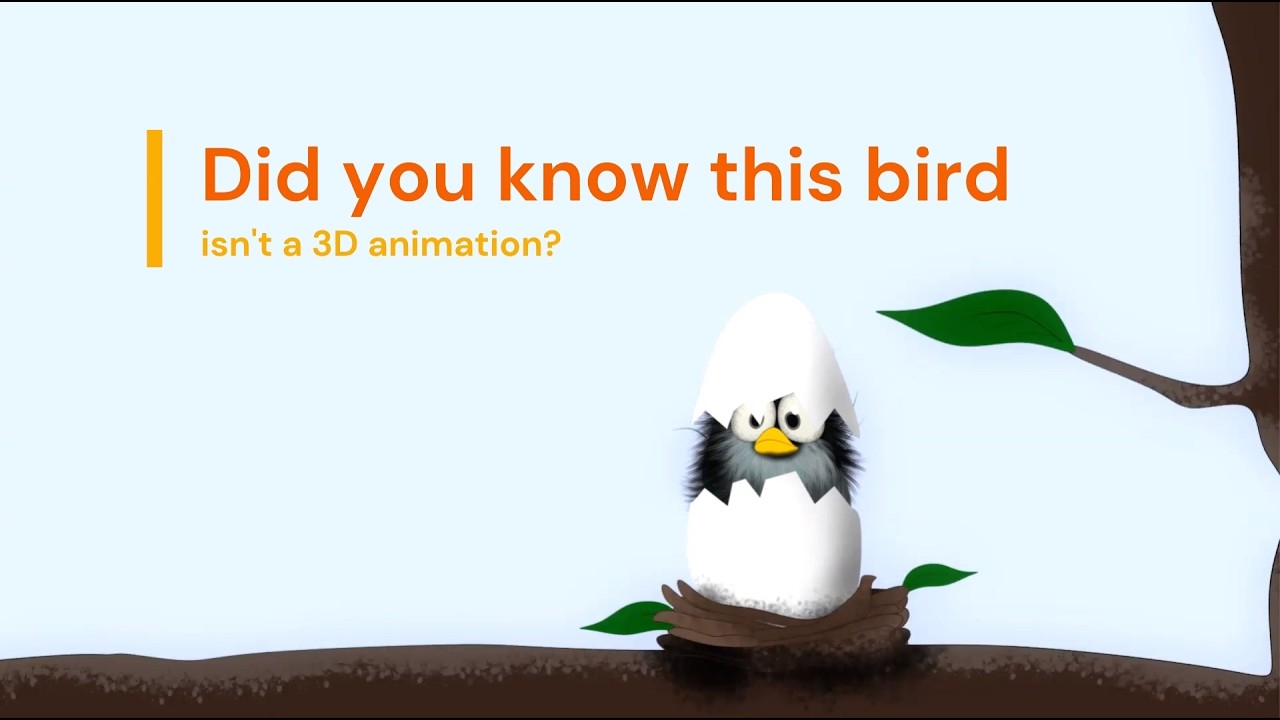
Made entirely in Arttista. A 2D workflow capable of producing surprisingly dimensional results.
Draw expressive artwork with textured brushes, organic shapes, lighting and depth — while keeping the flexibility and editability of vector graphics.
Arttista was designed around a simple idea: vector artwork should not have to look mechanical. Its brushes let artists work with texture, pressure, rotation, transparency and expressive shapes while keeping their artwork fully editable.
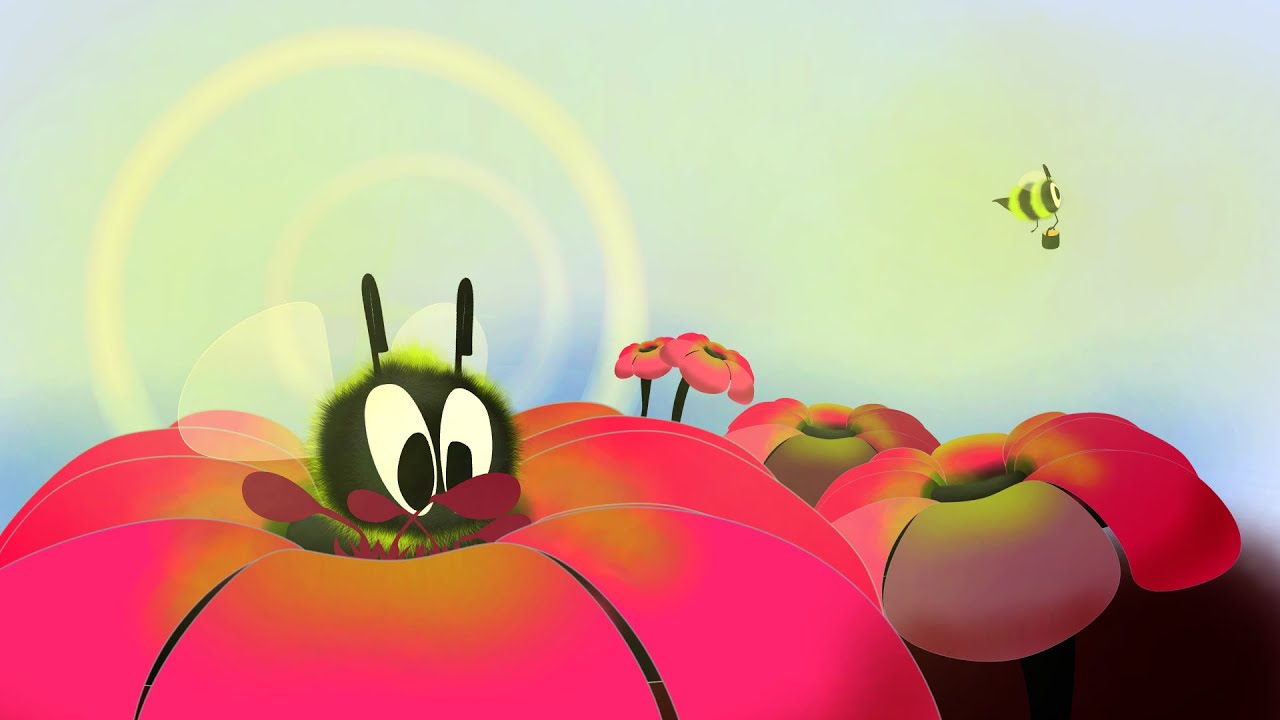
Illustration and animation tools designed to work together, instead of forcing your creative process into separate applications.
Create expressive strokes with organic textures and dynamic brush behavior while retaining vector flexibility.
Work frame-by-frame or use vector interpolation for fluid, flexible animation workflows.
Build character rigs with bones and inverse kinematics for efficient movement and reusable animation cycles.
Explore harmonious color variations and build palettes that keep your artwork visually consistent.
Create animated artwork and prepare sprite sheets for 2D game-development workflows.
Keep drawing and animation together in one focused creative environment.
Start with a sketch, refine your artwork, animate it, and prepare the final result without constantly moving between applications.
Develop your illustration using natural strokes, textured brushes, color and editable vector shapes.
Animate frame-by-frame, interpolate vector artwork, or use bones and IK to create efficient character movement.
Prepare your animation or illustration for the format and workflow you need.
Whether you're learning animation, creating illustrations, producing short films, making motion artwork, or preparing 2D assets for games, Arttista keeps the creative process together.
Follow practical tutorials and learn 2D illustration and animation by creating real projects in Arttista.
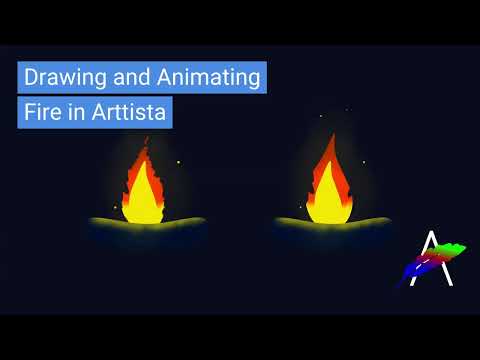
Create a stylized fire animation from scratch.
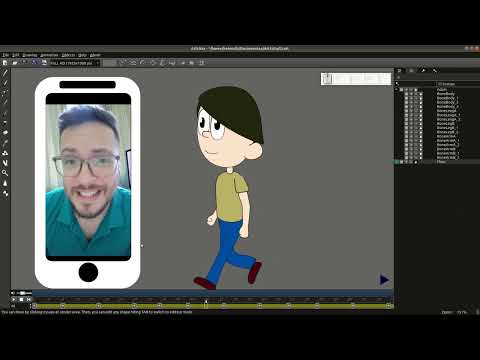
Build a simple character animation using Arttista.
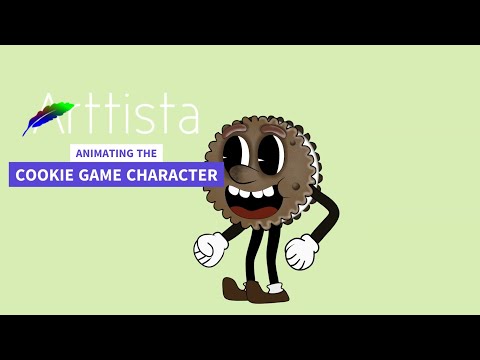
Explore drawing, rigging, bones and animation in one workflow.
A focused creative tool available across the desktop platforms artists use every day.
Explore the complete creative workflow with the free demo. When you're ready to take your artwork further, unlock the full version with a lifetime license.